Introducing the DocShrink Image Converter: Free, Fast & Secure Local Processing
Introducing the DocShrink Image Converter: Free, Fast & Secure Local Processing
Images are an essential part of our digital lives, but dealing with incompatible formats can be incredibly frustrating. Whether you are trying to upload a photo to a portal that only accepts JPGs, or trying to view a HEIC image from your iPhone on a Windows computer, image formats can slow you down.
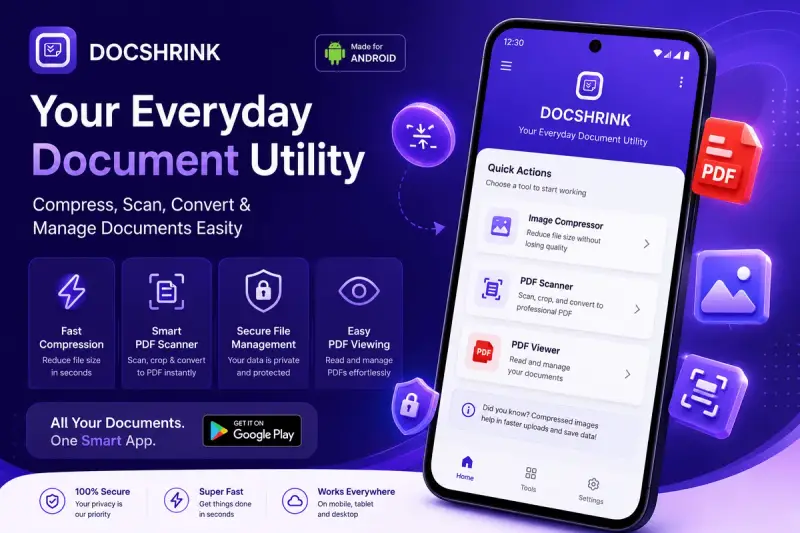
To solve this, we are thrilled to introduce the DocShrink Image Converter – a fast, reliable, and privacy-focused tool for all your image conversion needs.
The Problem with Traditional Image Converters
If you search for "image converter" online, you will find hundreds of tools. However, most of them suffer from severe drawbacks:
- Privacy Risks: Most online tools require you to upload your sensitive photos to their servers. You never really know who is looking at your pictures or what happens to them after conversion.
- Speed Limitations: Uploading a large photo and waiting for it to convert on a remote server takes time, especially on slow internet connections.
- Hidden Costs and Limits: Many services let you convert a few images for free but then demand a premium subscription for higher resolution or batch processing.
- Poor Quality: Some tools aggressively compress images during conversion, leaving you with blurry results.
We wanted to build a better alternative.
Enter DocShrink Image Converter
The DocShrink Image Converter is designed to completely change how you handle image formatting. We built it around one core principle: Everything should happen directly on your device.
1. 100% Secure and Private (Browser-Based Processing)
Unlike other tools, DocShrink never uploads your photos to our servers. The entire conversion process runs locally inside your web browser. This means absolute privacy—your images never leave your device.
2. Lightning Fast Conversions
Because there are no uploads or downloads, conversions happen instantly. Your browser utilizes your device's processing power to translate the image formats locally, saving you time and bandwidth.
3. Comprehensive Format Support
Our tool supports a wide array of formats to cover all your needs. You can easily convert from and to:
- PNG, JPG, WebP
- HEIC (Apple's High-Efficiency format)
- GIF, TIFF, BMP
Note: The tool is especially helpful for Windows users who frequently struggle to open HEIC photos transferred from iPhones.
How It Works
Using the DocShrink Image Converter is incredibly simple:
- Drag and Drop: Simply drag your image onto the converter interface or click to select a file.
- Choose Output Format: Select whether you want the final image in PNG, JPEG, or WebP.
- Instant Result: Your image is processed locally and immediately made available for download.
You can instantly preview the original and converted versions side-by-side, complete with file size information.
Built for Modern Workflows
We built this tool using modern web technologies like Next.js and React, leveraging browser capabilities to do heavy lifting that used to require dedicated software.
By handling everything client-side, we not only protect your privacy but also provide a seamless, app-like experience on the web.
Try It Today
The DocShrink Image Converter is completely free to use. Stop worrying about privacy risks, upload limits, or slow internet connections.
Experience instant, secure, and high-quality image conversion today.
DocShrink—Simplifying your digital life, one file at a time.